Press Kit

PhotoSpots at a glance.

A native, privacy-focused iPhone app for saving, organizing, and planning photography spots.

What is PhotoSpots?

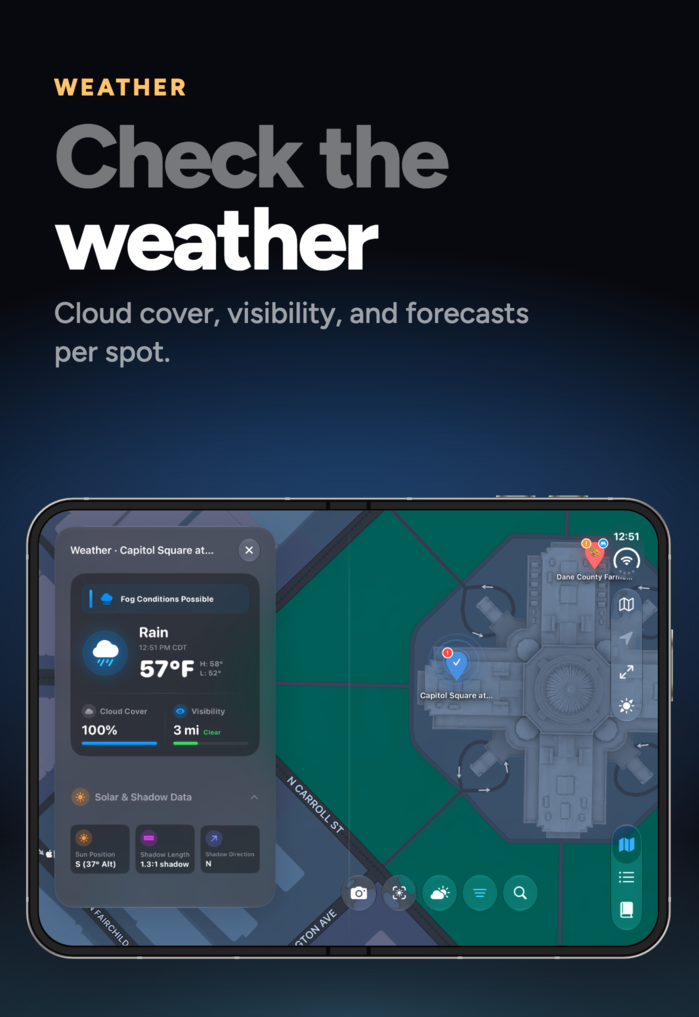
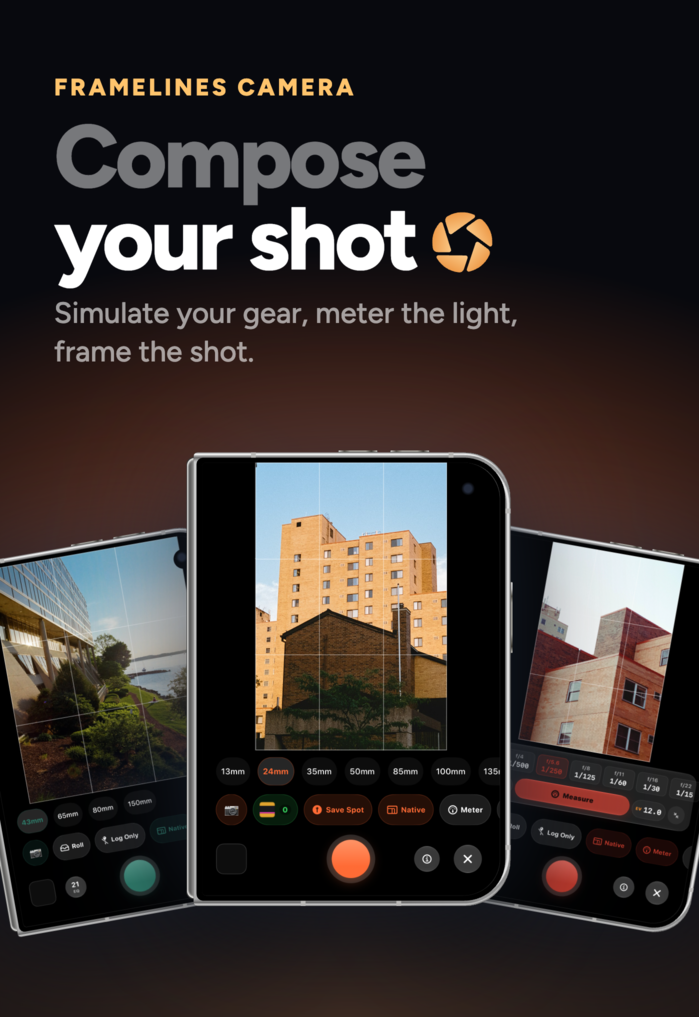
Never lose a great spot. PhotoSpots is a native, privacy-focused iPhone app that helps photographers discover, save, organize, and plan photography spots. Built from the ground up with SwiftUI, it offers a fluid experience with haptic feedback, interactive widgets, and full offline functionality with Apple Maps offline support. Pin spots in seconds, track progress with scouted and photographed status, organize into color-coded lists, and plan shoots around sunrise, sunset, golden hour, blue hour, interactive sun-path visualization, an AR sun preview, and real-time weather. Preview real-world framing with the Framelines camera, meter the light, log every shot into projects and film rolls, and sync everything privately across devices. On iPhone Duo, the map holds the top half of the folded inner display while lists, spots, weather, and the solar planner open below it.
Short Description

Never lose a great spot. PhotoSpots allows you to save spots, attach notes and photos, organize shoot lists, plan around the best light, preview shots with the Framelines camera, and log every shot into projects and film rolls.

Key Features

  • Native SwiftUI performance and fluid animations
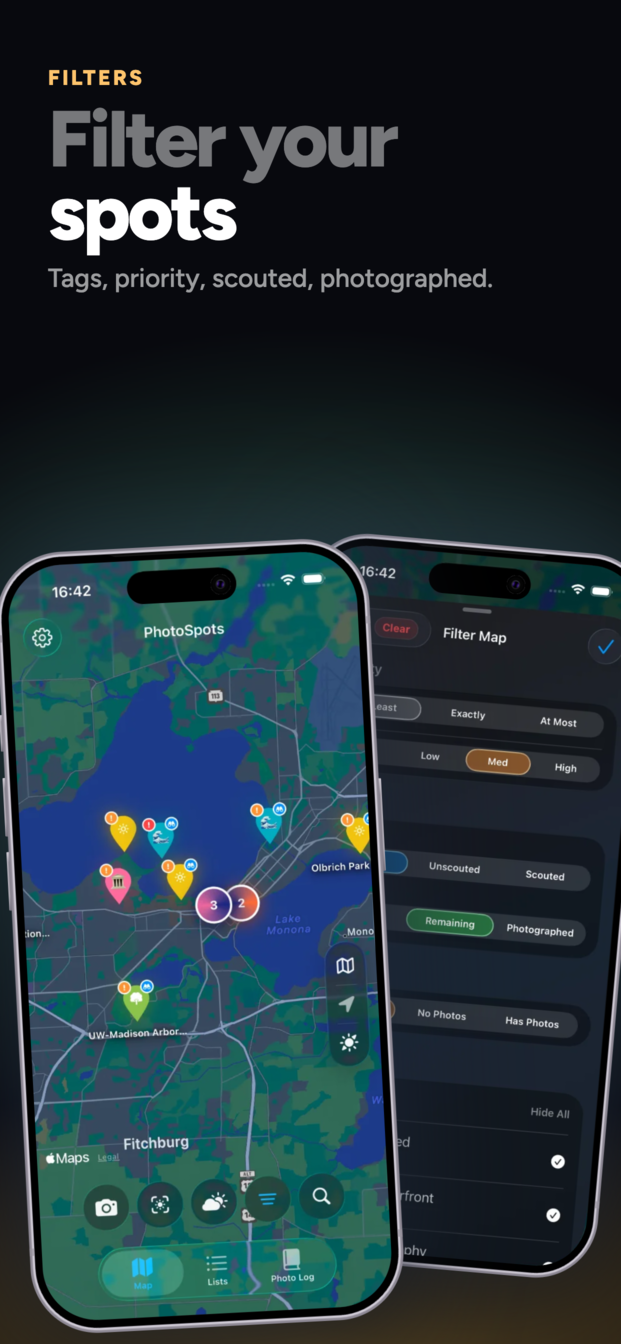
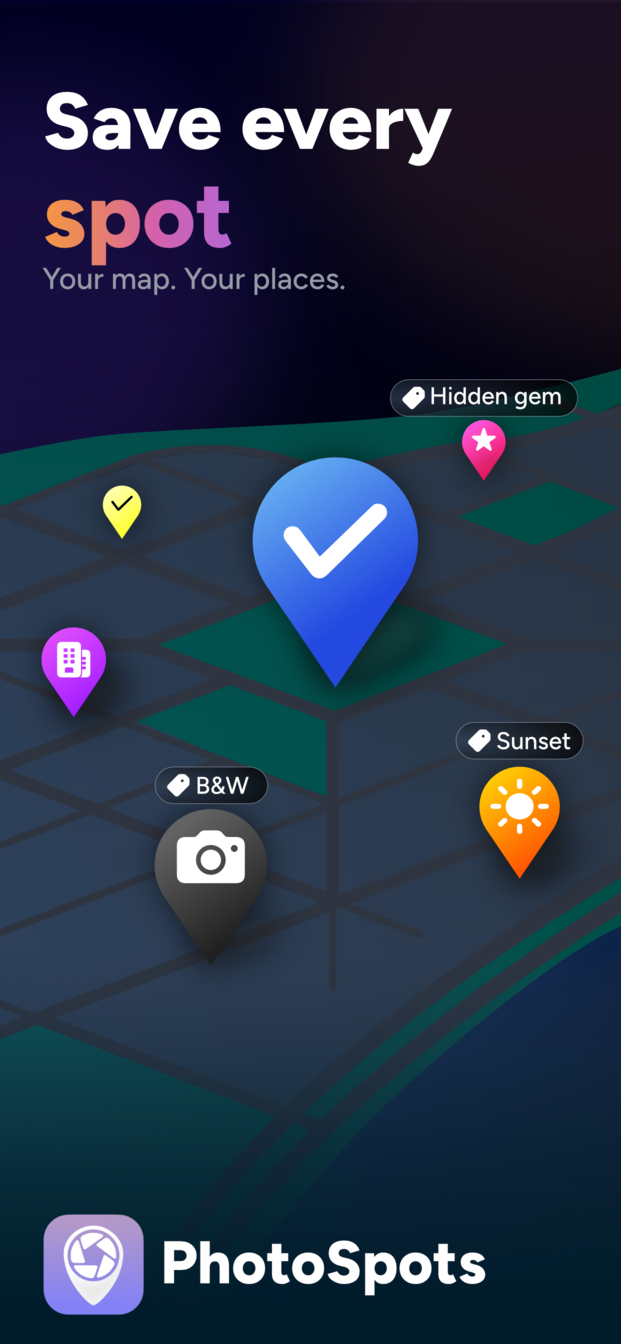
  • Interactive map with color-coded, clustered pins
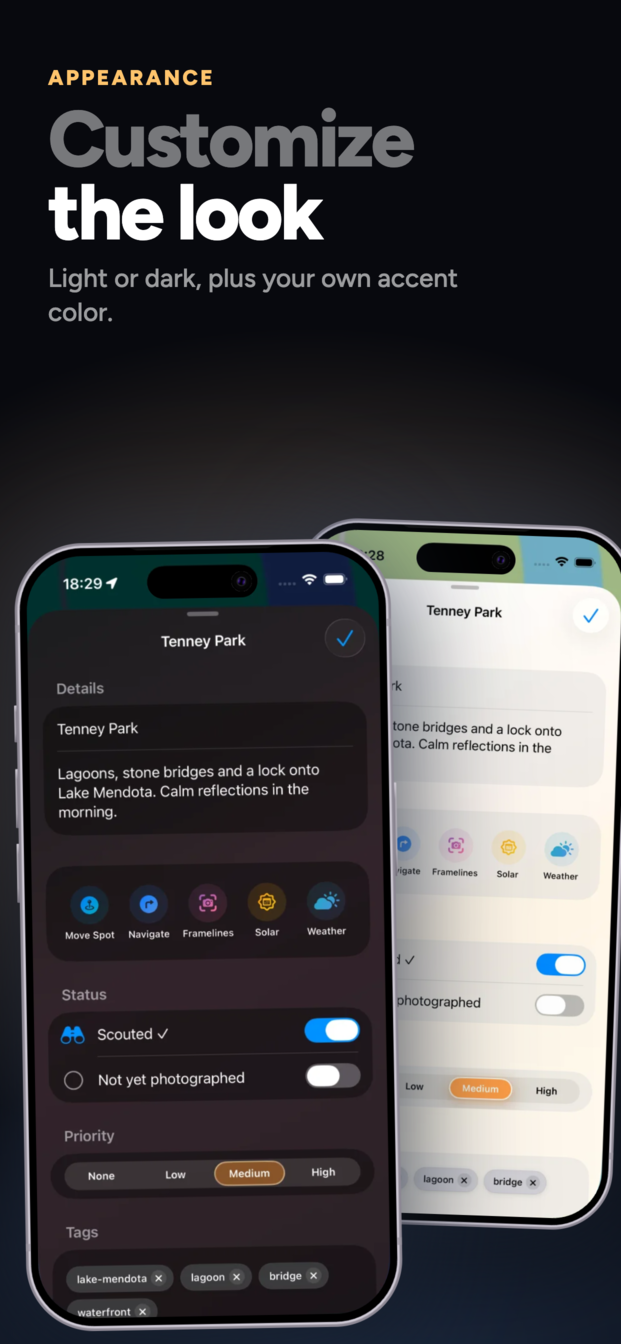
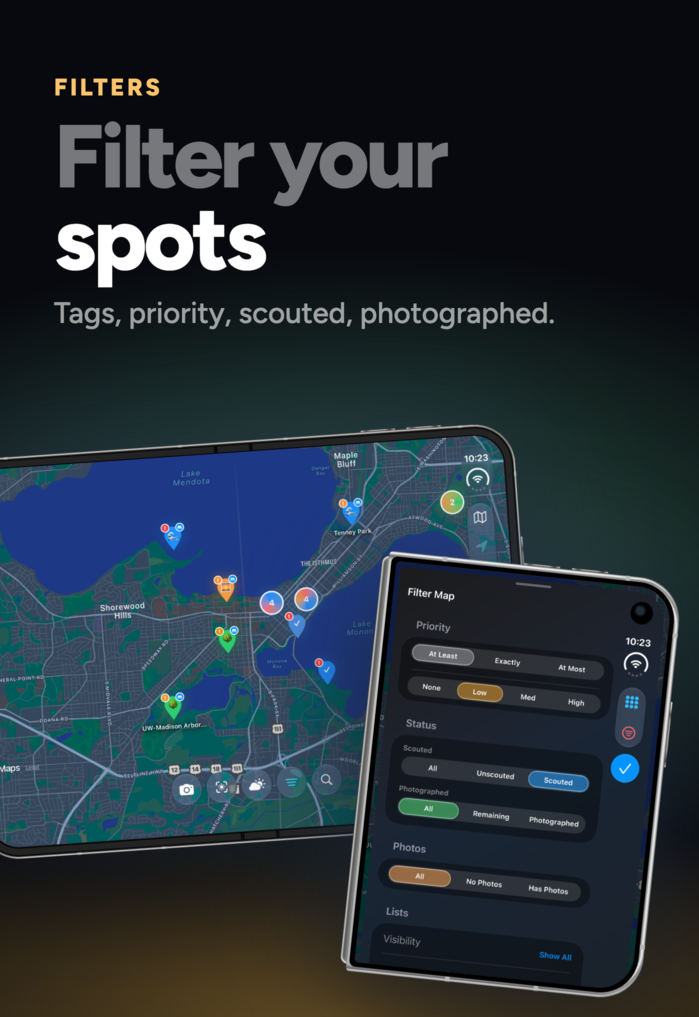
  • Track progress: scouted, photographed, visit logs, archive
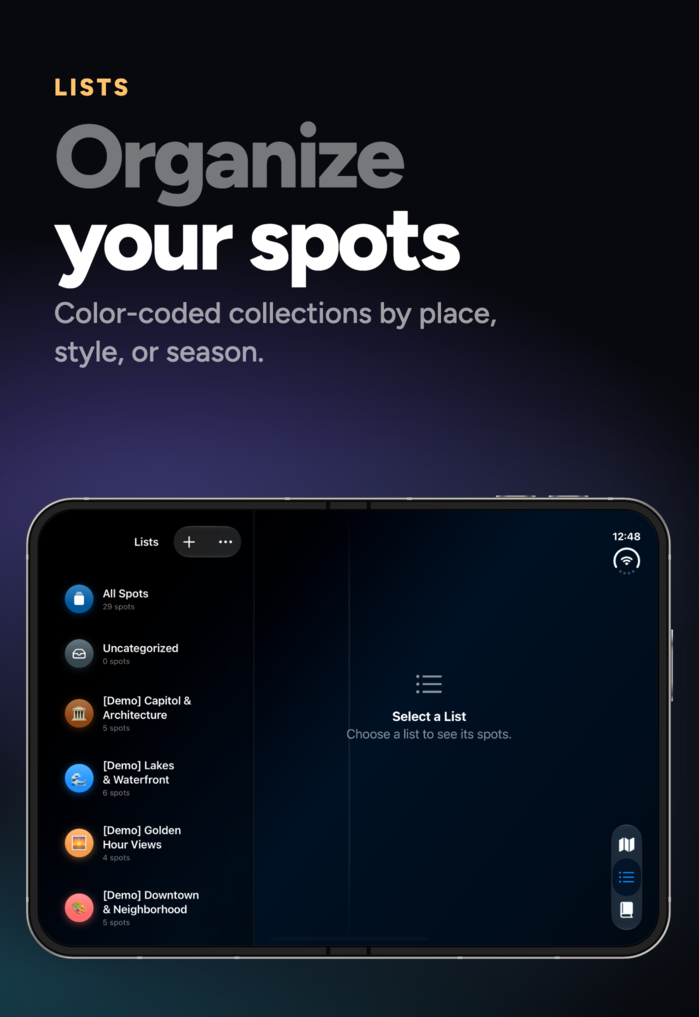
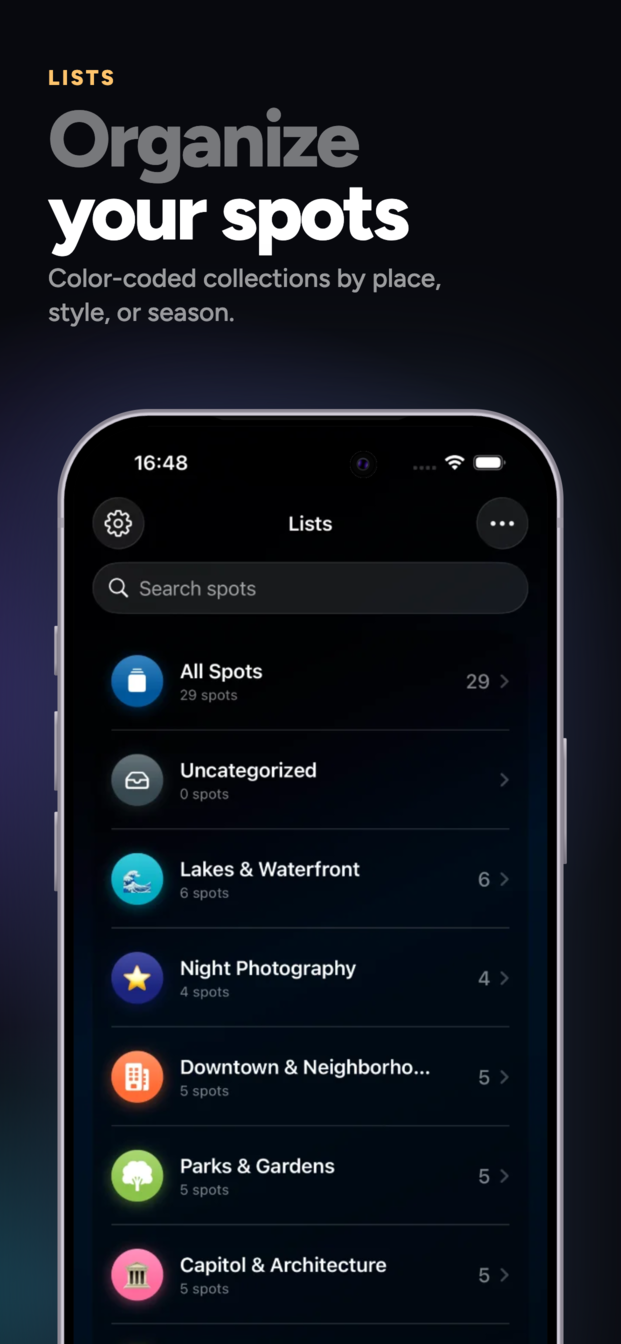
  • Organize into color- and emoji-coded lists with tags and priorities
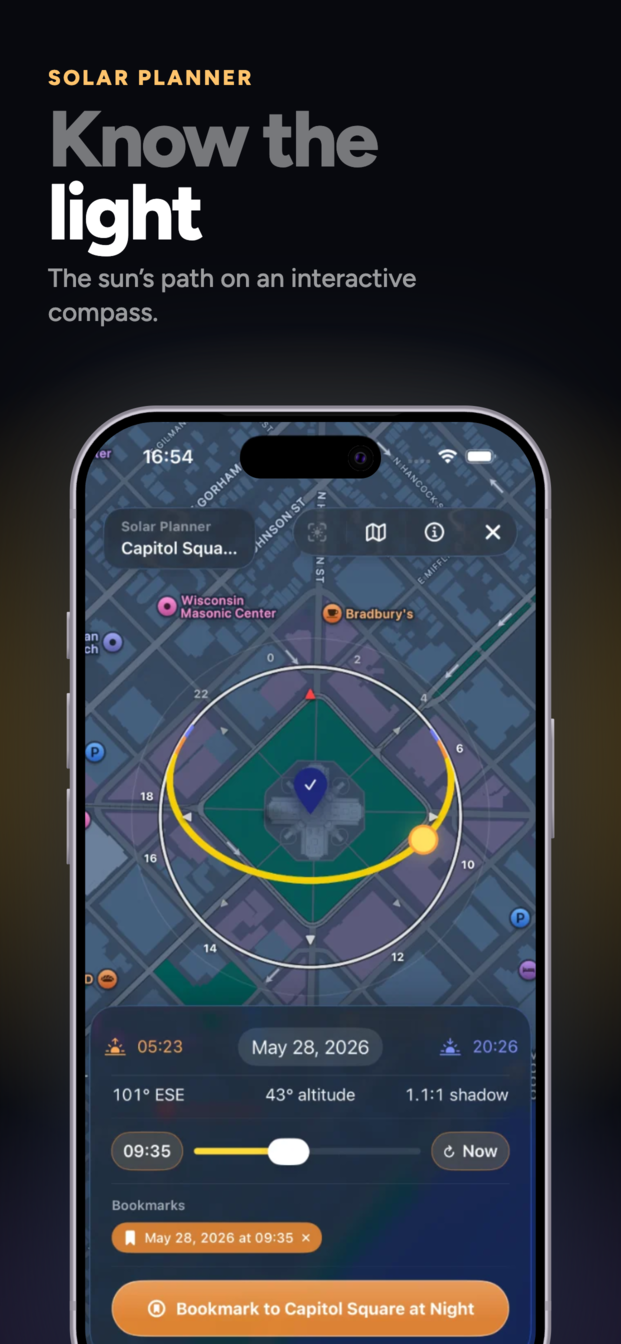
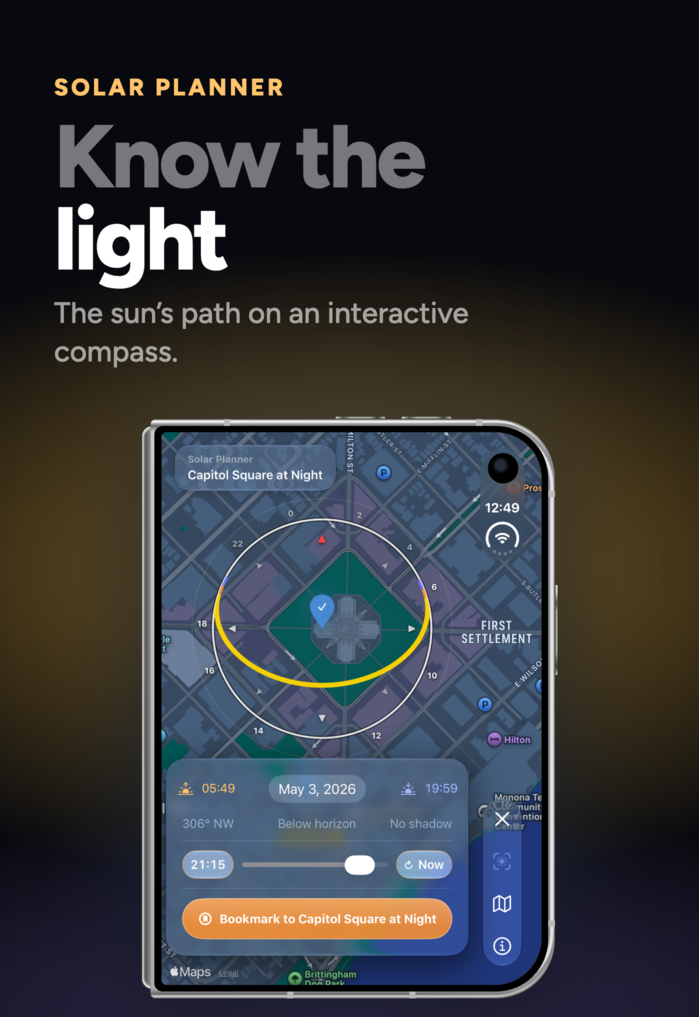
  • Solar data: sunrise, sunset, golden hour, blue hour, sun-path visualization
  • AR sun preview: full solar arc overlaid on the live camera feed
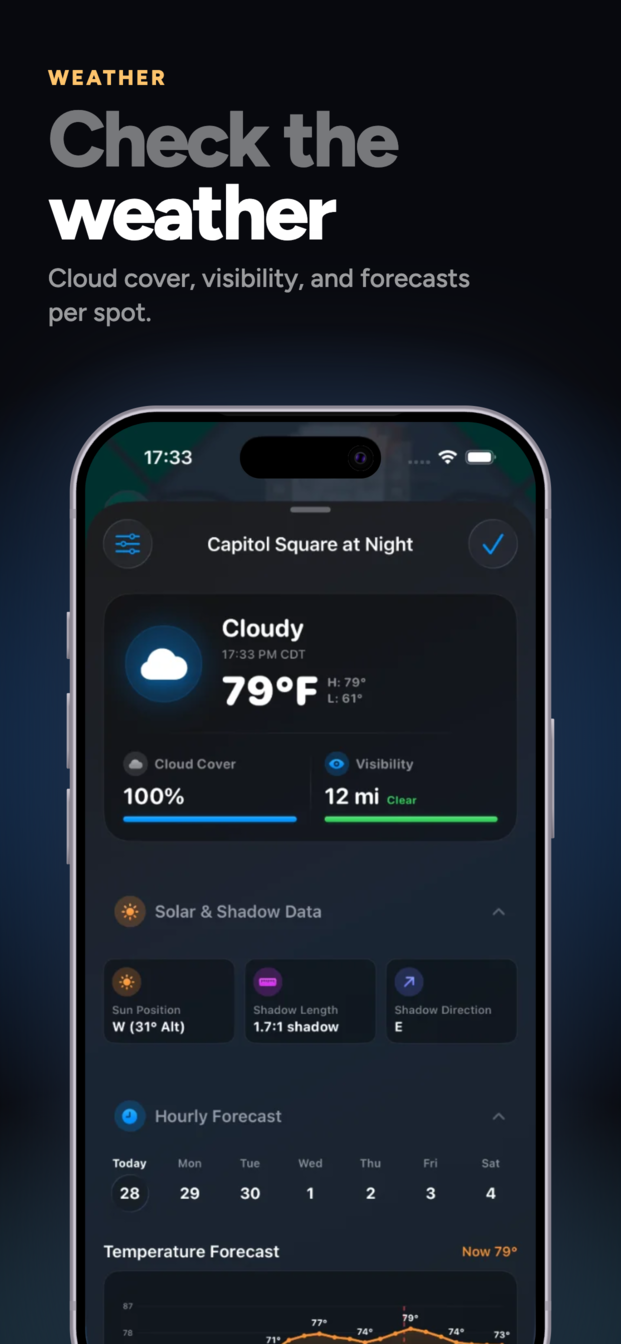
  • Real-time weather: temperature, wind, UV, and low/mid/high cloud layers
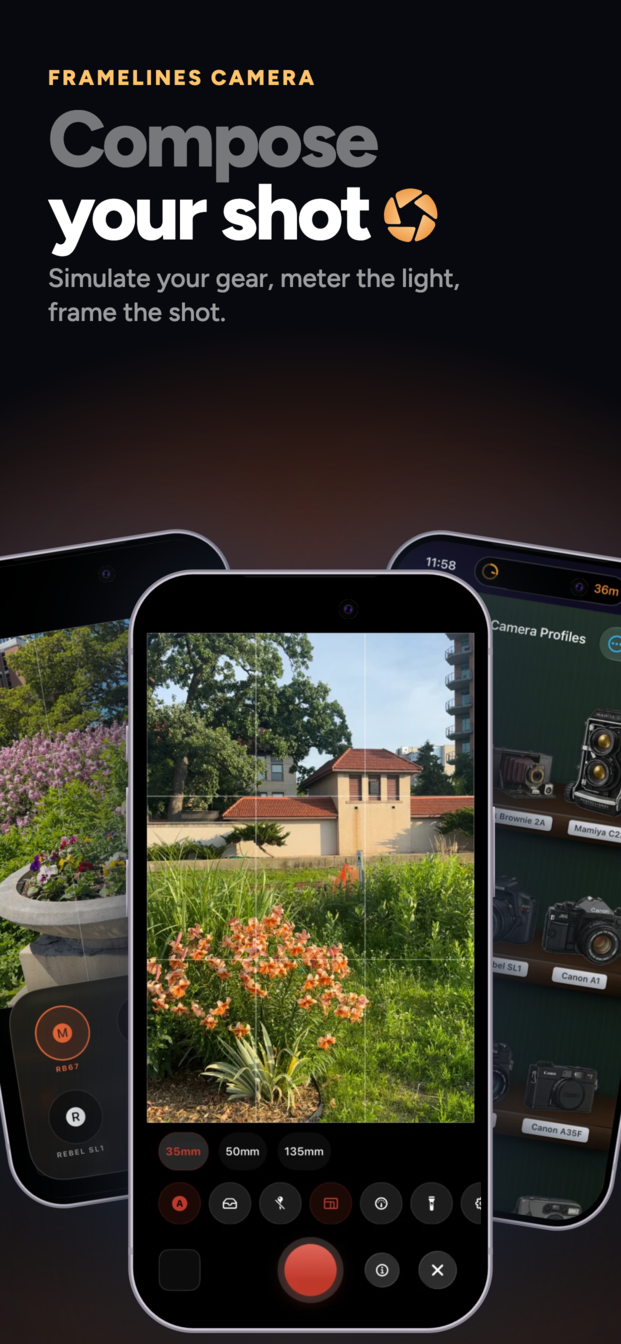
  • Framelines camera for framing preview with focal length & sensor simulation
  • Built-in light meter with EV readings and aperture/shutter pairs
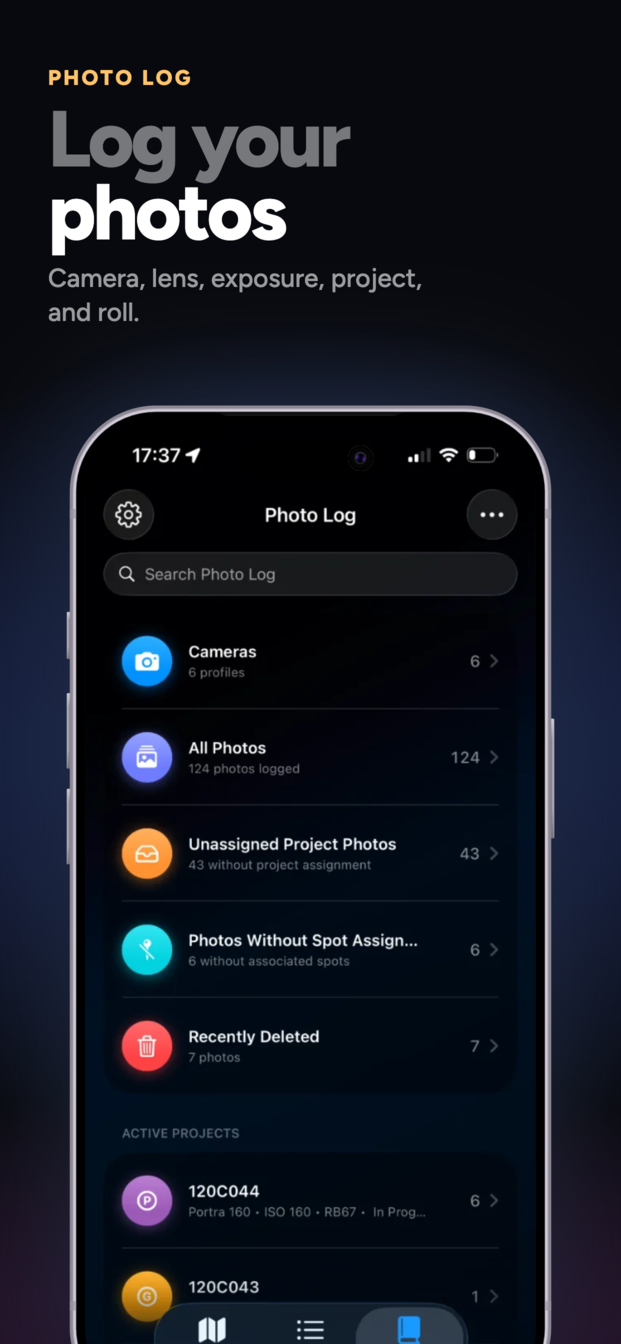
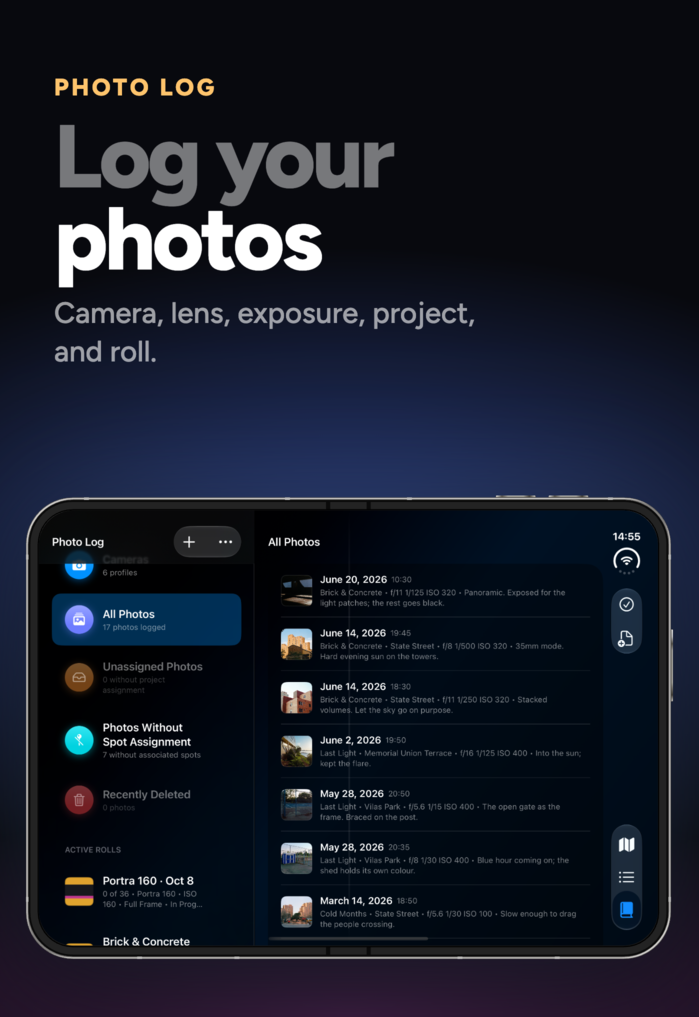
  • Photo log with projects, film rolls, and exposure tracking
  • Film roll timelines: loaded, shot, processed, and scanned dates per roll
  • Self-numbering frames, box-end tabs styled per film stock, contact sheet sharing, and CSV exposure logs
  • Stats page: spots and frames by month, a shooting-day calendar, top tags, lists, and film stocks
  • Made for iPhone Duo: map on the top half of the fold, lists and spots below (iOS 27)
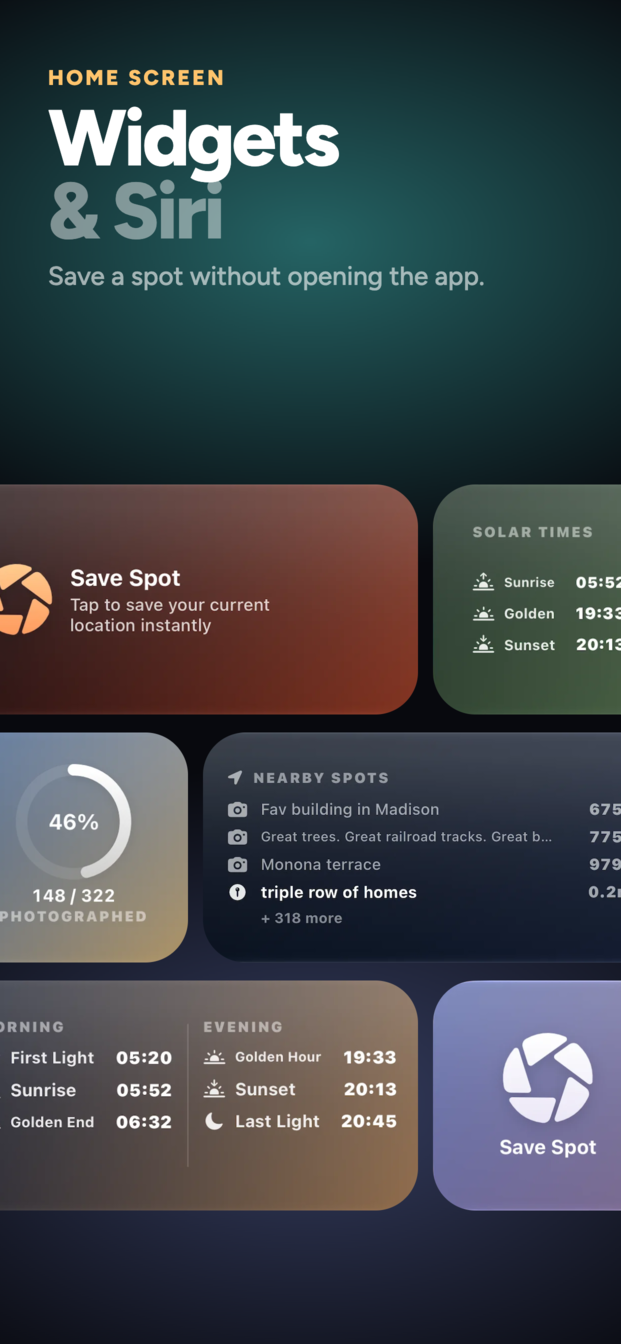
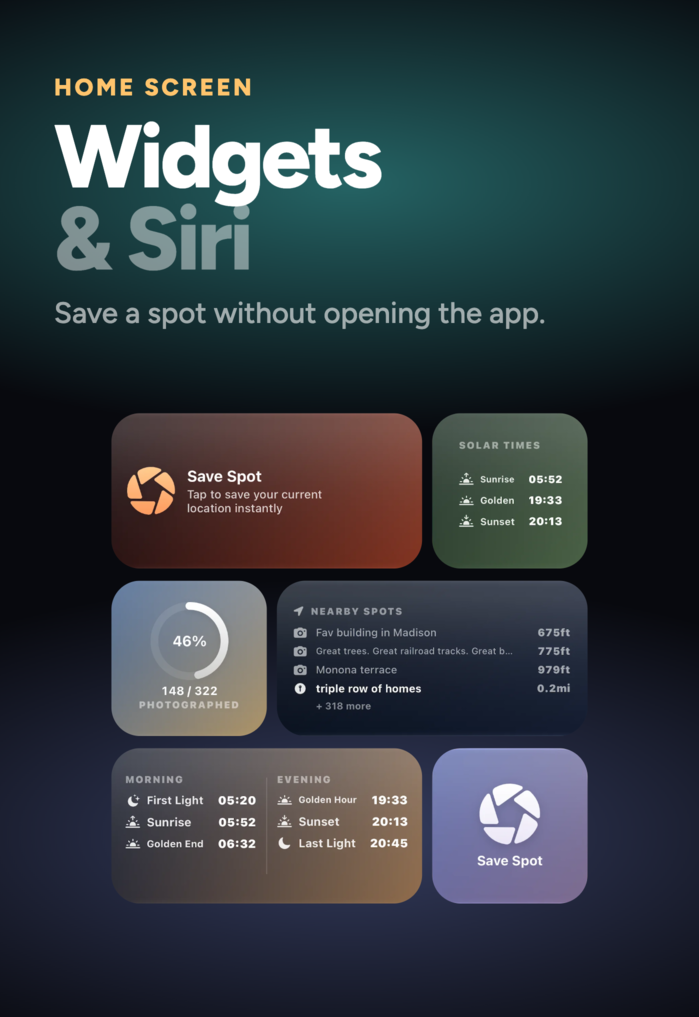
  • Full widget suite: save spot, solar times, spot lists, nearby spots, stats
  • Siri, Shortcuts, and Spotlight support, plus spot sharing and turn-by-turn navigation
  • Apple Maps offline maps support for full offline functionality
  • Automatic iCloud sync across devices
  • CSV and GPX import and export
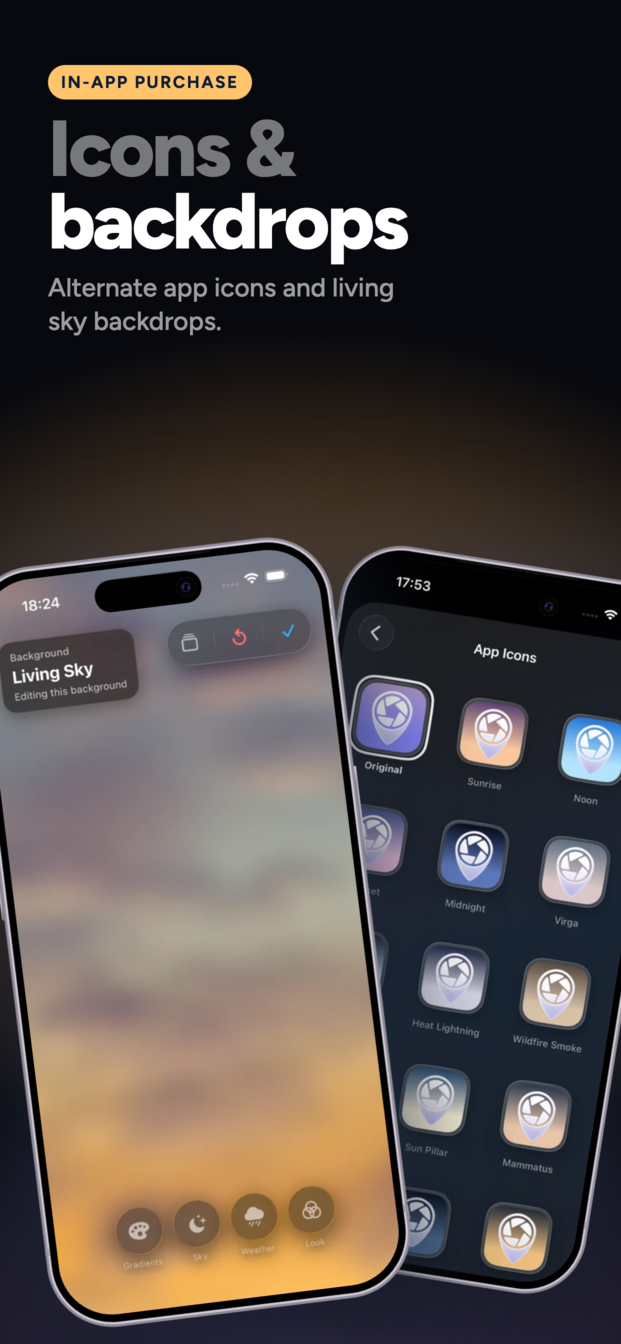
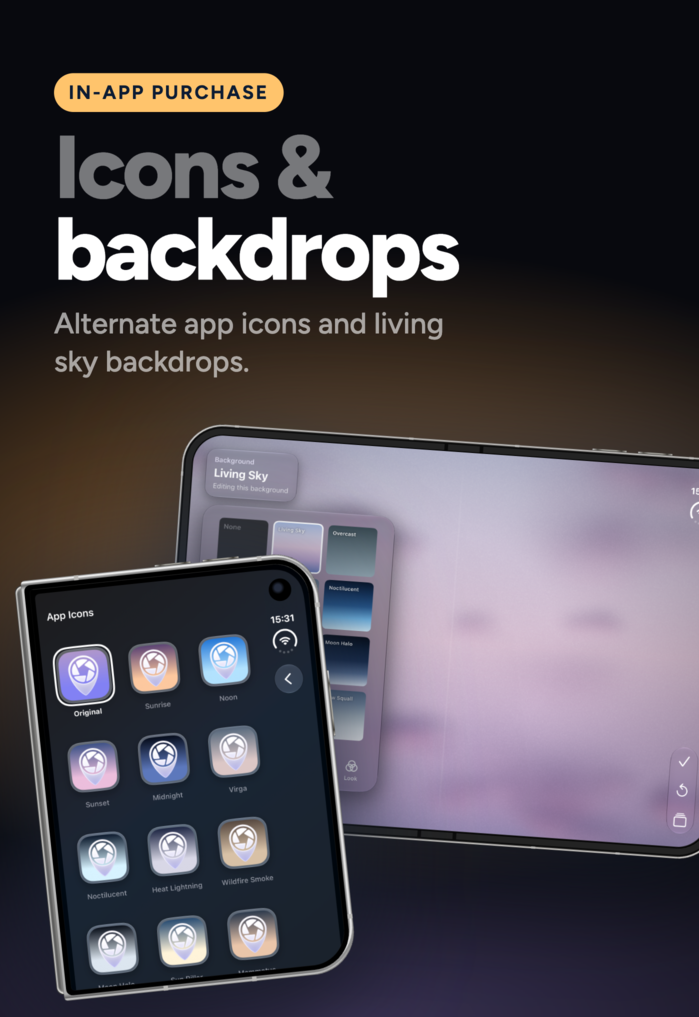
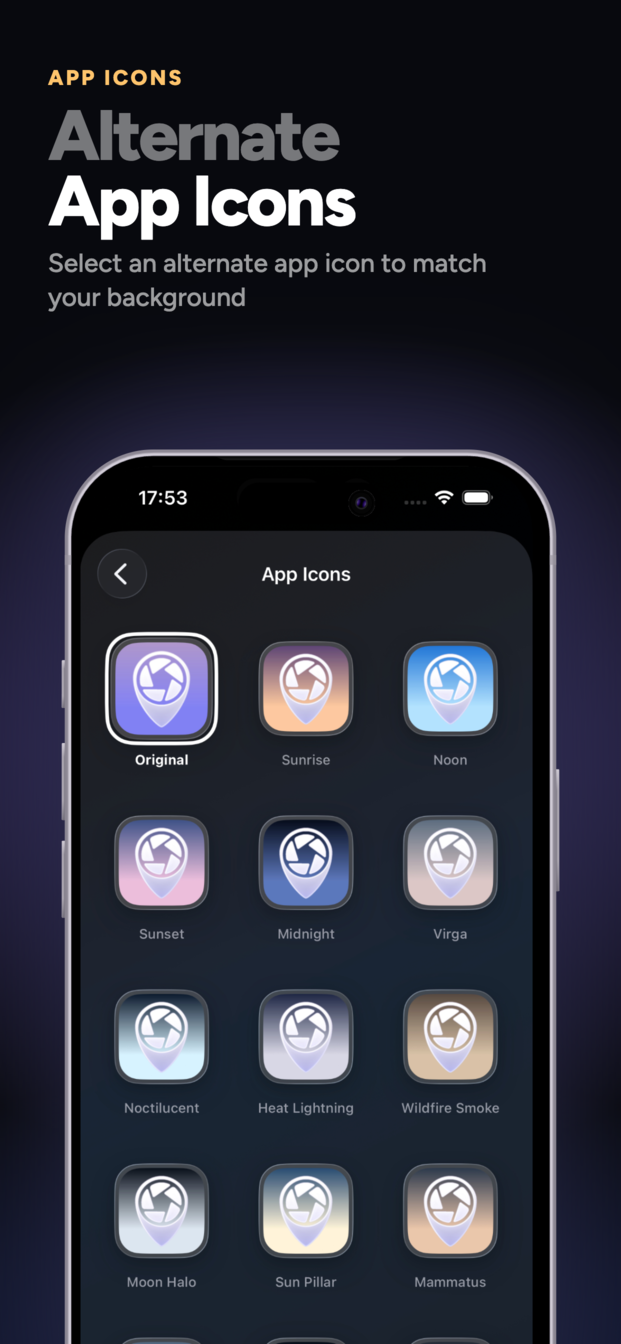
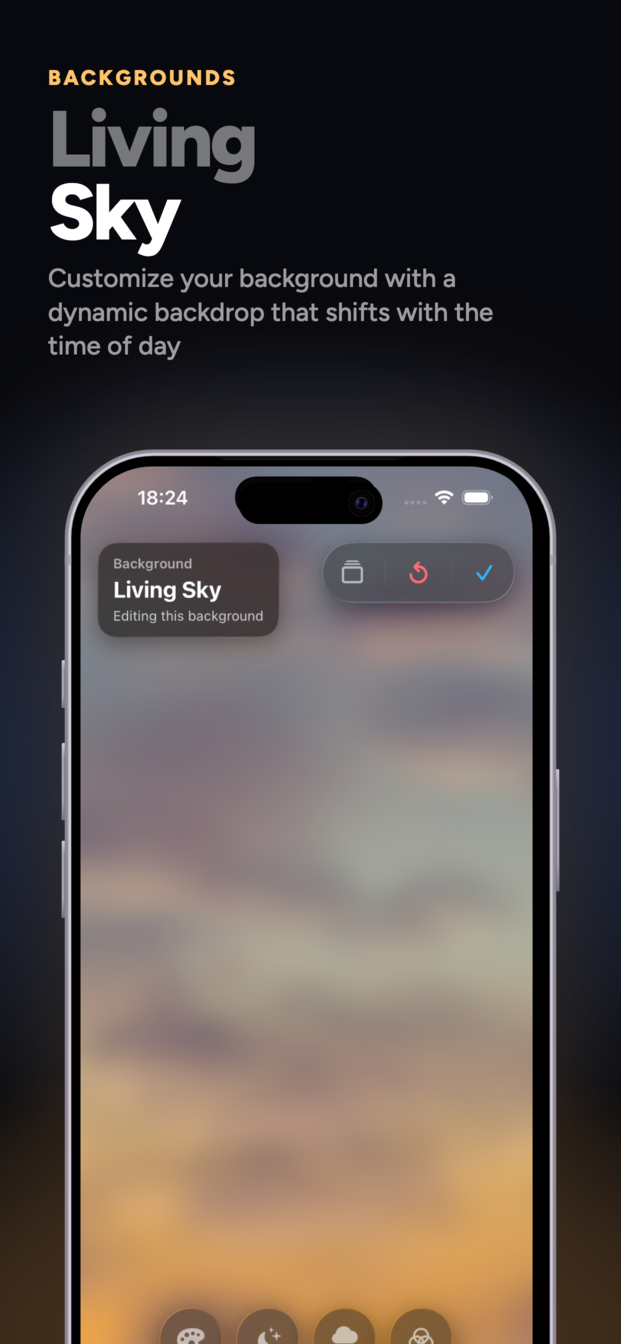
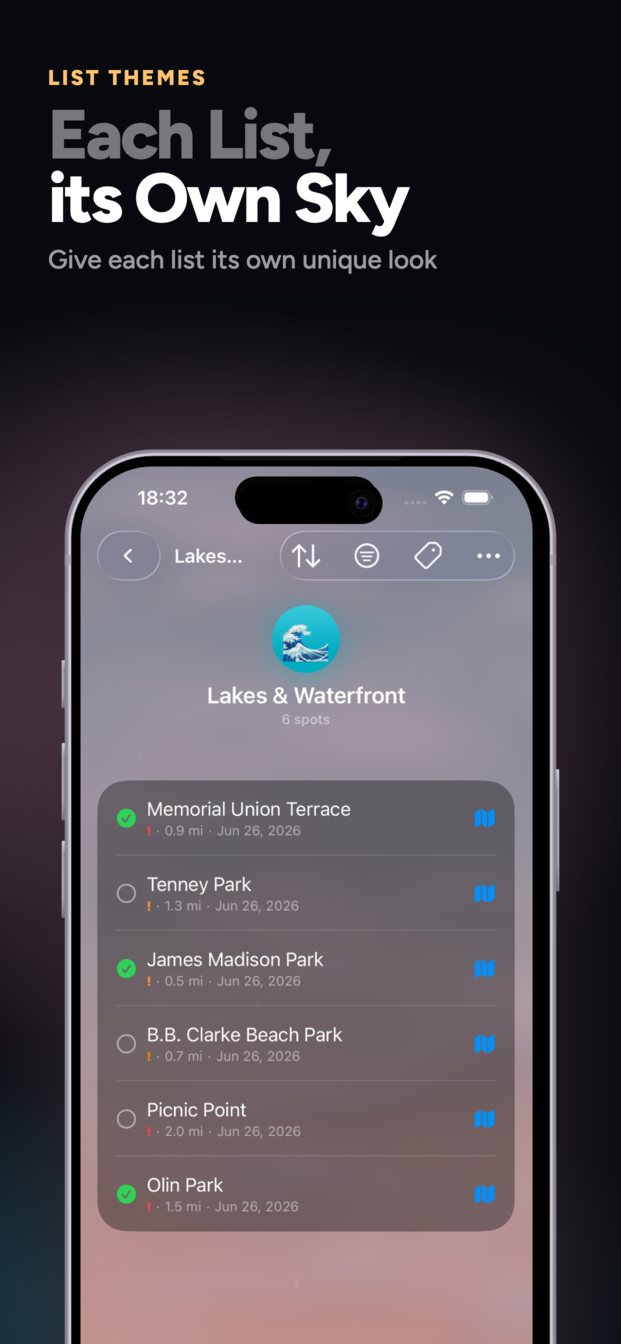
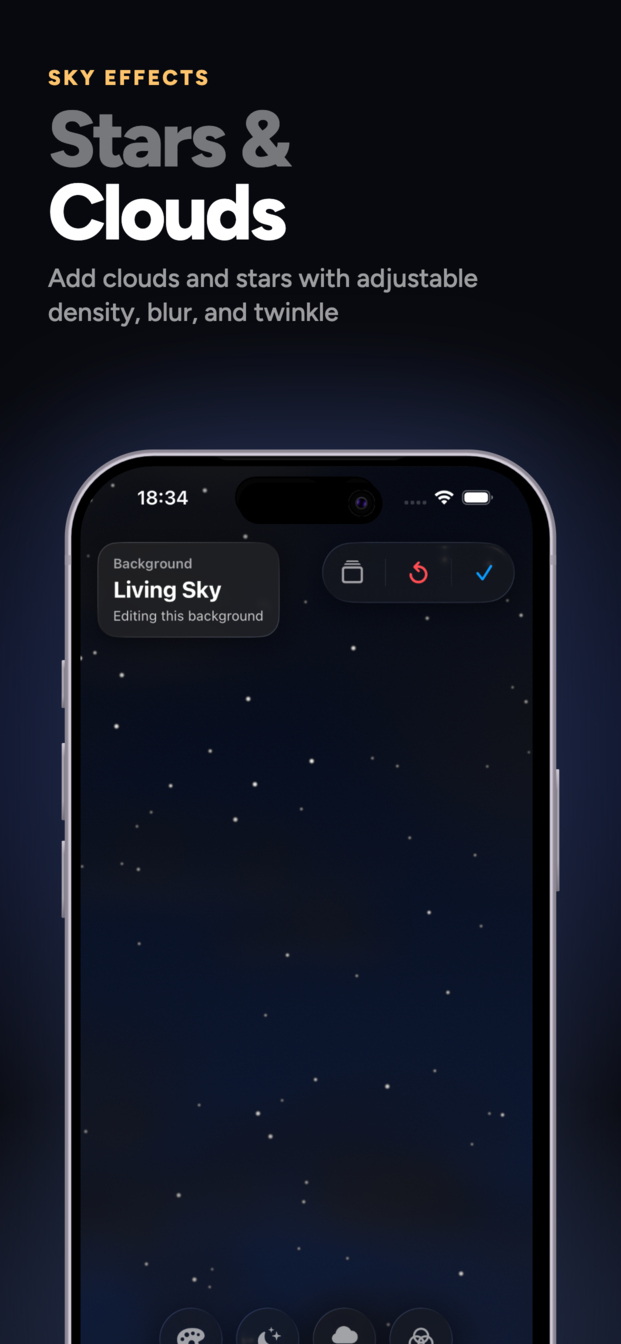
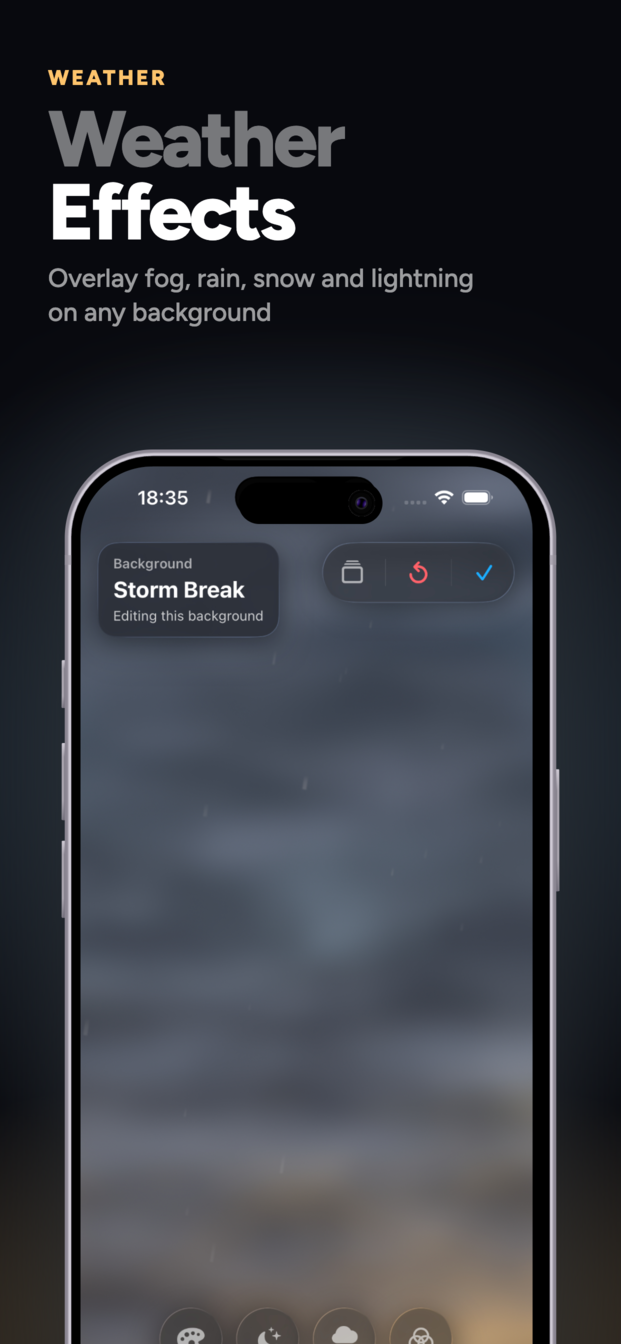
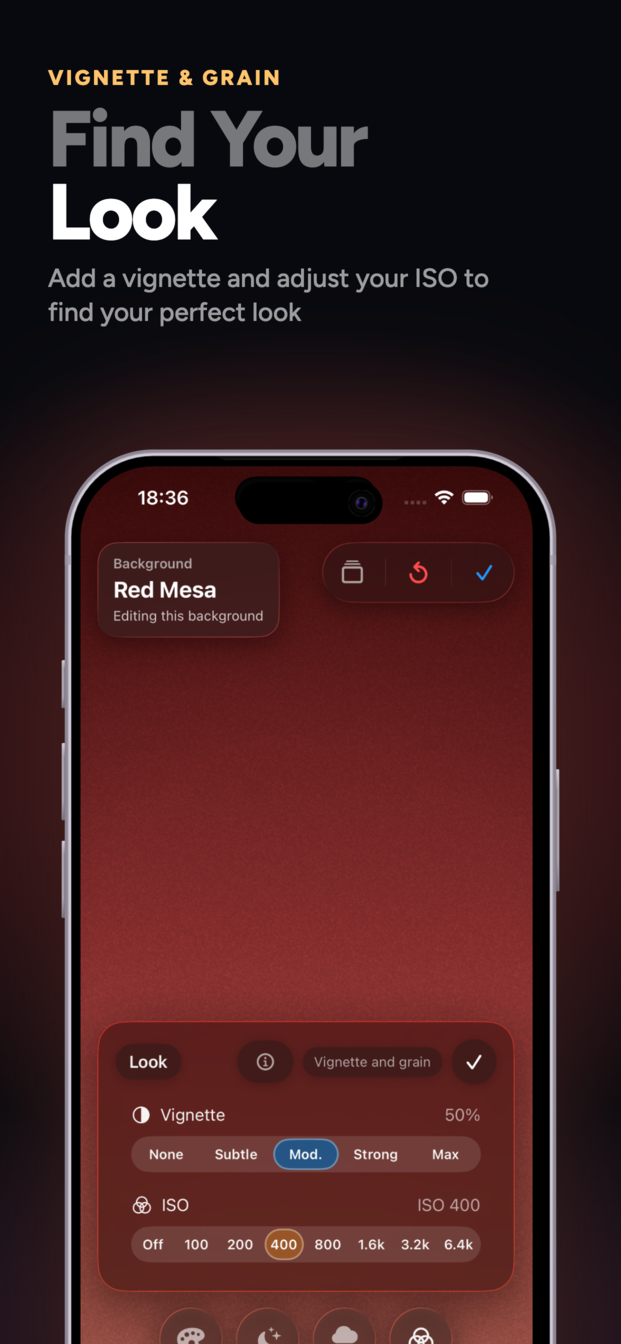
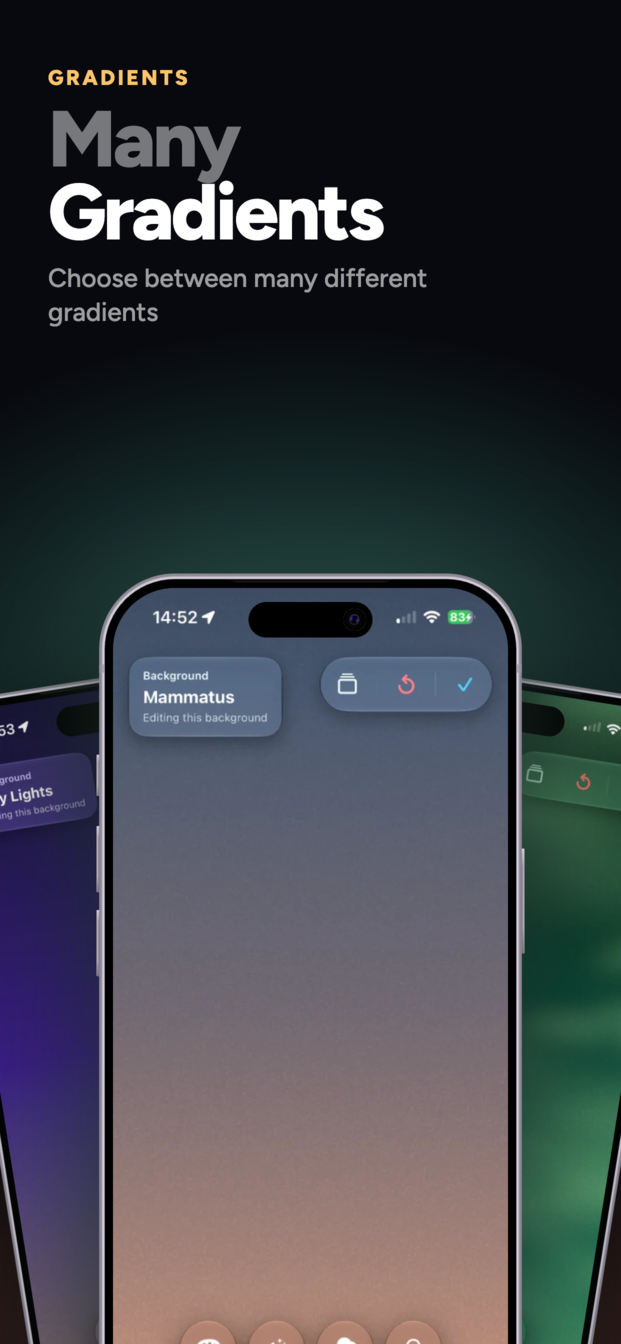
  • Premium: App icon themes and custom backgrounds

Who is PhotoSpots for?

  • Photographers scouting spots
  • Travel photographers planning shoots
  • Landscape and nature photographers
  • Urban and architecture photographers
  • Filmmakers and content creators
  • Hikers and outdoor enthusiasts discovering scenic spots
  • Anyone, including non-photographers, who wants to never lose a great spot

Why PhotoSpots?

A modern toolkit for photography scouting and planning.

Privacy first

All data lives on your device. No tracking, no analytics, no third-party data sharing. Your spots, lists, and photos are yours alone.

Independent

Built and maintained independently with a focus on quality and user experience. Proprietary software ensuring a cohesive and stable platform.

Thoughtful design

Built for the real workflow of photographers. Every feature serves planning, scouting, and revisiting great spots.

Always evolving

Based on photographer feedback. Future features include VoiceOver accessibility, better search, and more customization.

Availability

Download today.

PhotoSpots is available in most regions on the Apple App Store for iPhone running iOS 26.0 and later. The new Siri actions and the iPhone Duo fold layout require iOS 27. Free download with optional premium features and tips to support development.

Pricing

Free, with options.

Base app
Free
Premium customization
One-time purchase (~$2.99)
Tips
Optional (~$0.99–$9.99)

Contact & Links

Get in touch.

Email
support@photospots.app
Website
photospots.app

Facts at a Glance

Platform
iPhone (iOS 26.0+); Siri actions and the iPhone Duo fold layout require iOS 27
Current version
1.3.0
Category
Photography, Travel, Productivity
License
Proprietary
Privacy
On-device, no tracking

Screenshots

Product images

App Store captures for PhotoSpots 1.3.0 (October 2026). Full-resolution originals are available on request.

iPhone

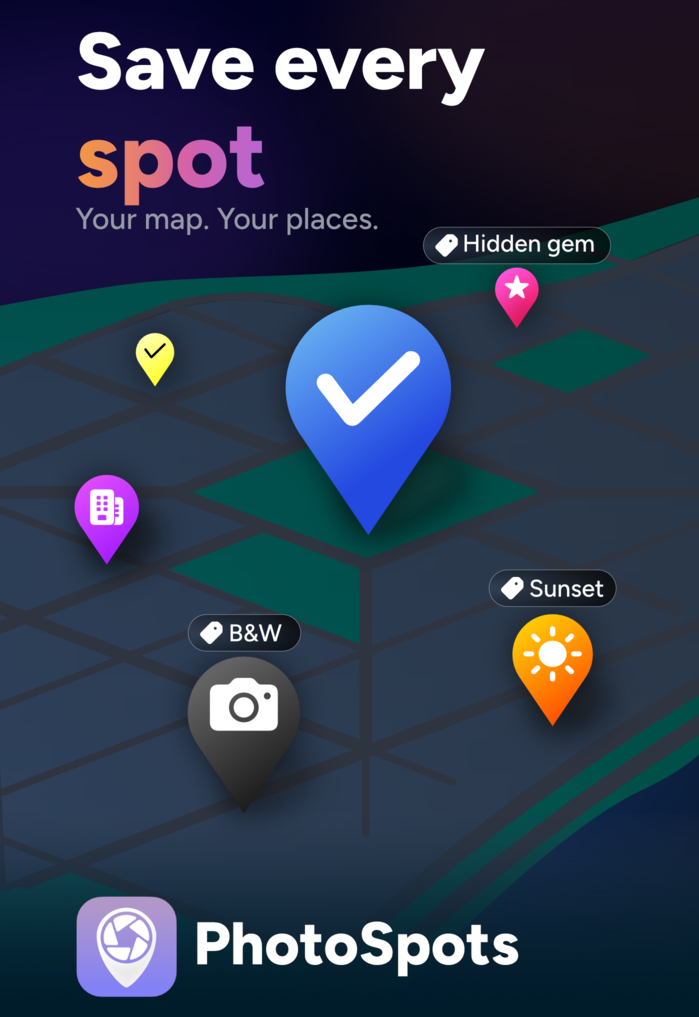
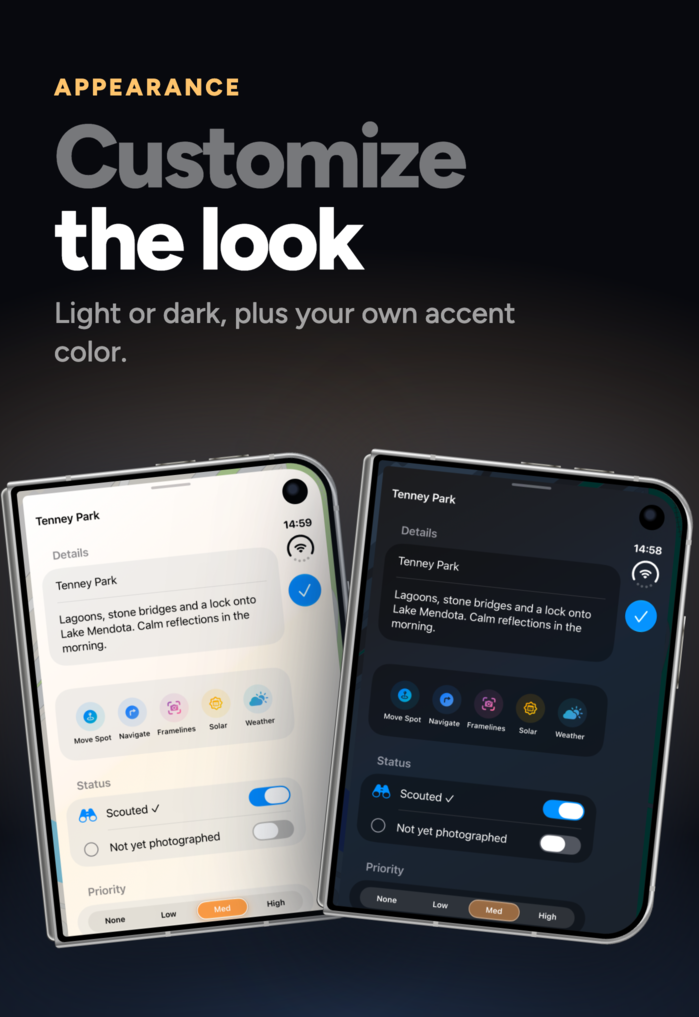
PhotoSpots iPhone App Store screenshot: hero graphic PhotoSpots iPhone App Store screenshot: lists PhotoSpots iPhone App Store screenshot: map filters PhotoSpots iPhone App Store screenshot: solar planner PhotoSpots iPhone App Store screenshot: weather PhotoSpots iPhone App Store screenshot: Framelines camera PhotoSpots iPhone App Store screenshot: photo log and film rolls PhotoSpots iPhone App Store screenshot: widgets and Siri PhotoSpots iPhone App Store screenshot: appearance settings PhotoSpots iPhone App Store screenshot: alternate app icons and backdrops

iPhone Duo

PhotoSpots iPhone Duo App Store screenshot: hero graphic PhotoSpots iPhone Duo App Store screenshot: lists beside the map PhotoSpots iPhone Duo App Store screenshot: map filters PhotoSpots iPhone Duo App Store screenshot: solar planner PhotoSpots iPhone Duo App Store screenshot: weather PhotoSpots iPhone Duo App Store screenshot: Framelines camera PhotoSpots iPhone Duo App Store screenshot: photo log and film rolls PhotoSpots iPhone Duo App Store screenshot: widgets and Siri PhotoSpots iPhone Duo App Store screenshot: appearance settings PhotoSpots iPhone Duo App Store screenshot: alternate app icons and backdrops

Premium customization

PhotoSpots premium App Store screenshot: alternate app icons PhotoSpots premium App Store screenshot: living sky backgrounds PhotoSpots premium App Store screenshot: per-list themes PhotoSpots premium App Store screenshot: stars and clouds sky effects PhotoSpots premium App Store screenshot: weather effects PhotoSpots premium App Store screenshot: vignette and grain PhotoSpots premium App Store screenshot: gradients